tretton37 usually holds regular code lunches in our offices. Now that we can’t do that, we’ve moved our knowledge sharing events online. Today it was my turn to do a talk – a repeat performance of a talk I’ve done before, but this time streamed on YouTube instead of talking to a live audience sitting in front of me.

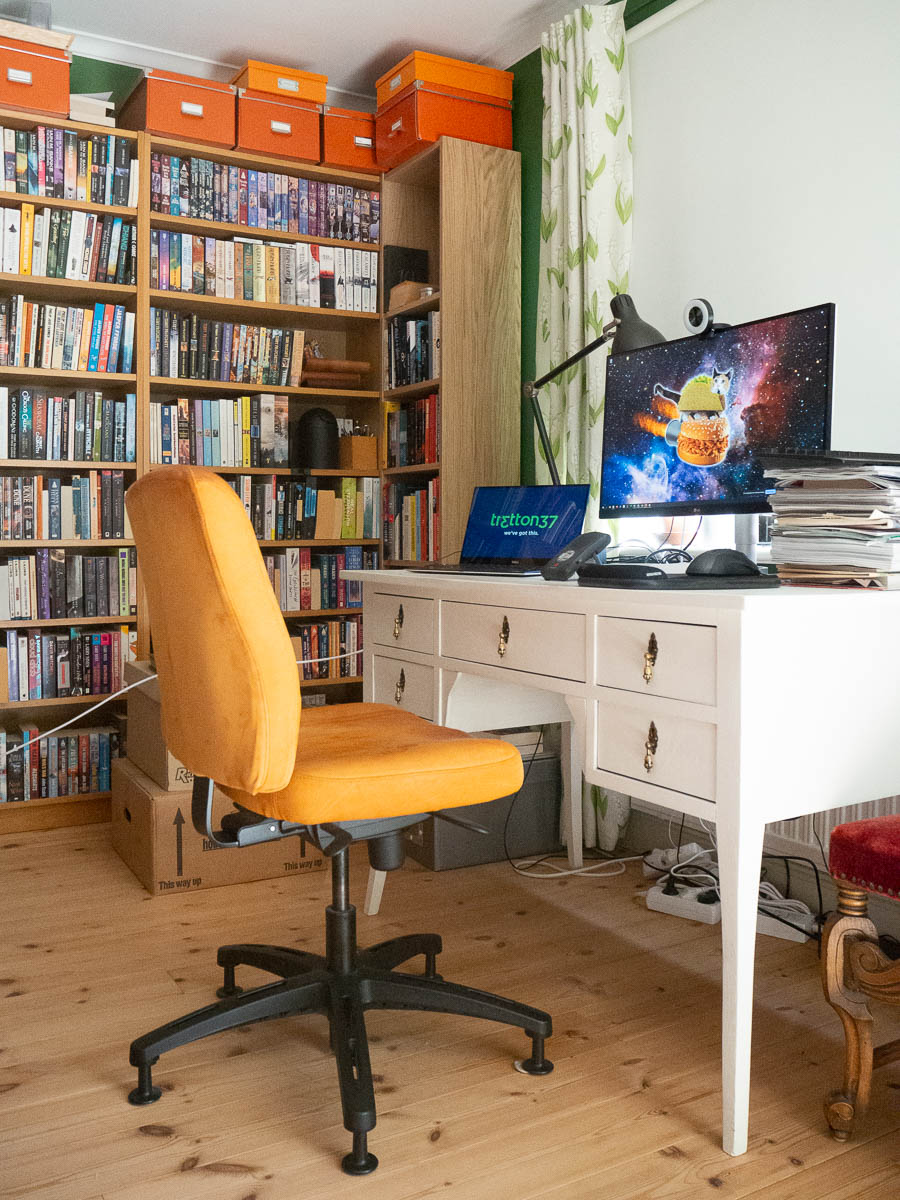
It felt weird at first to talk to a camera instead of real people, but I got used to it pretty soon. I found a decent setup with all the screens and windows and peripherals, with my presentation notes close to the camera. And I managed to get my talk done within my allocated time, just barely. I do tend to ramble on sometimes.

I noticed afterwards that I wave my arms a lot. When I speak in front of an audience, it feels natural to move around and gesticulate, and I imagine it looks normal. On screen, it seems more distracting. If I do this again, I’ll have to try and tone down the gesticulating.

Here’s my talk about multi-tenant architecture, in case you’re interested.
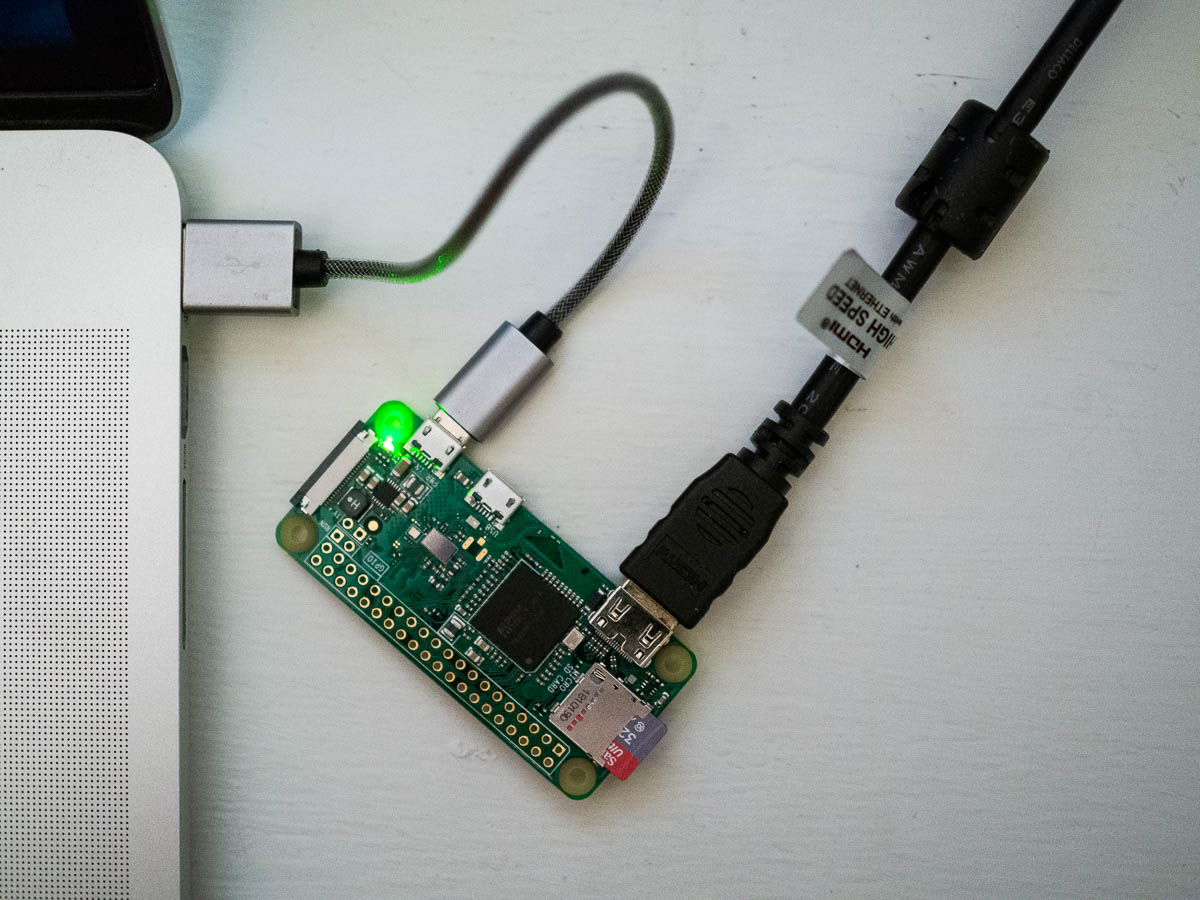

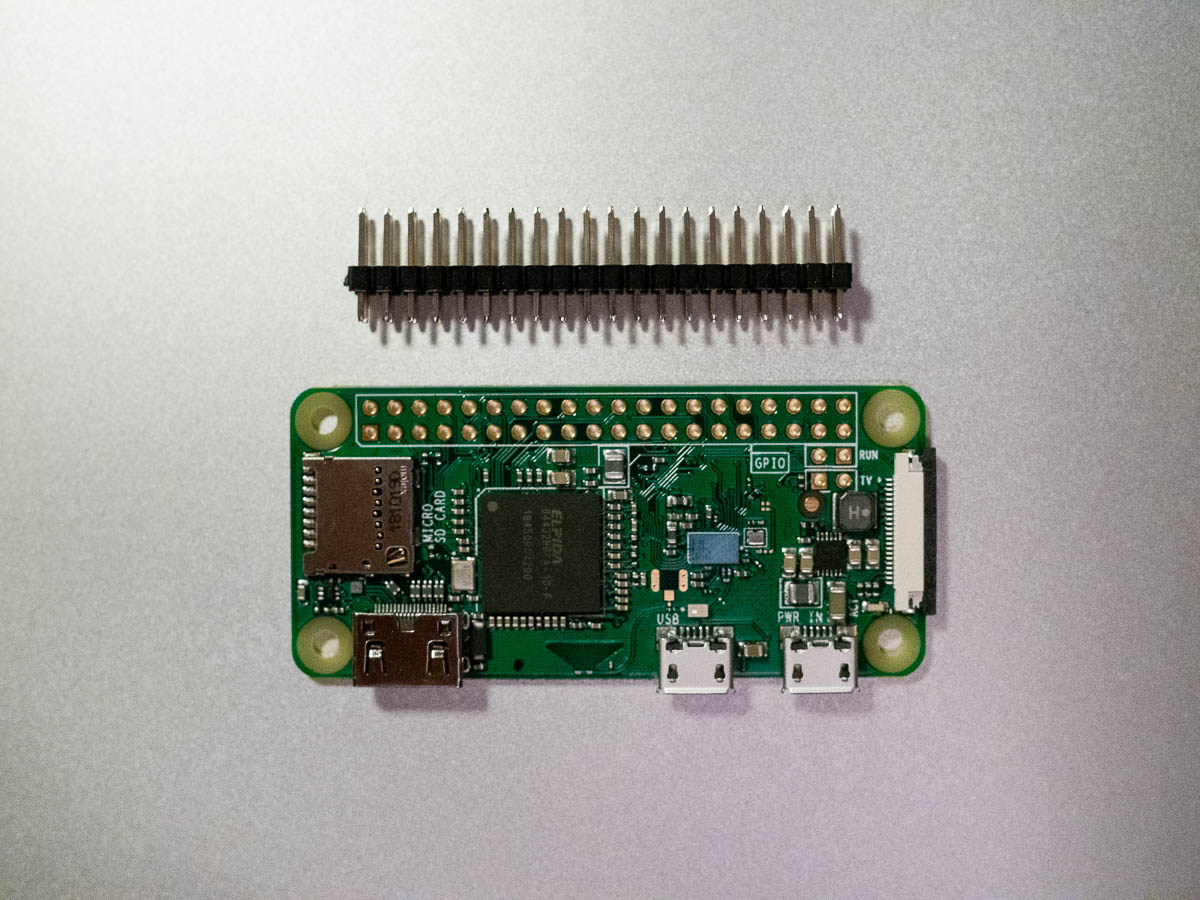
It’s green! I’ve gotten my Raspberry Pi running, and made it serve up a simple Python web app.

That means I now have three computers crammed on my small desk. If only they could all be as small as the Pi.

I’m making less progress on this project than I had thought. Mostly because, now that I work from home all day, working on a coding project feels like going back to work. Same desk, same activity. I don’t want to spend all day in the same position in the same spot in the house. Maybe on weekends.


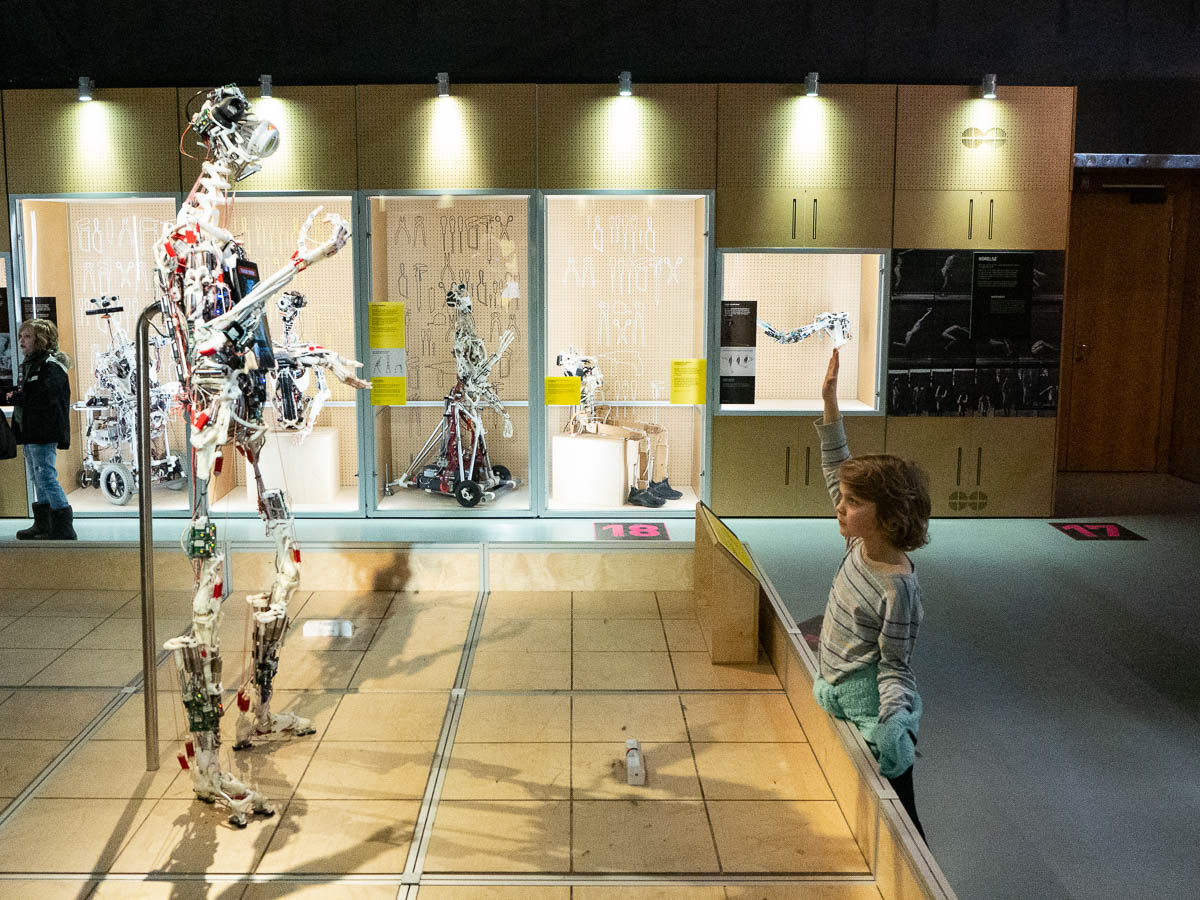
Tekniska museet has an exhibition about robots that we’ve been talking about for months now. This is the last but one weekend so today Adrian and I went and saw it.

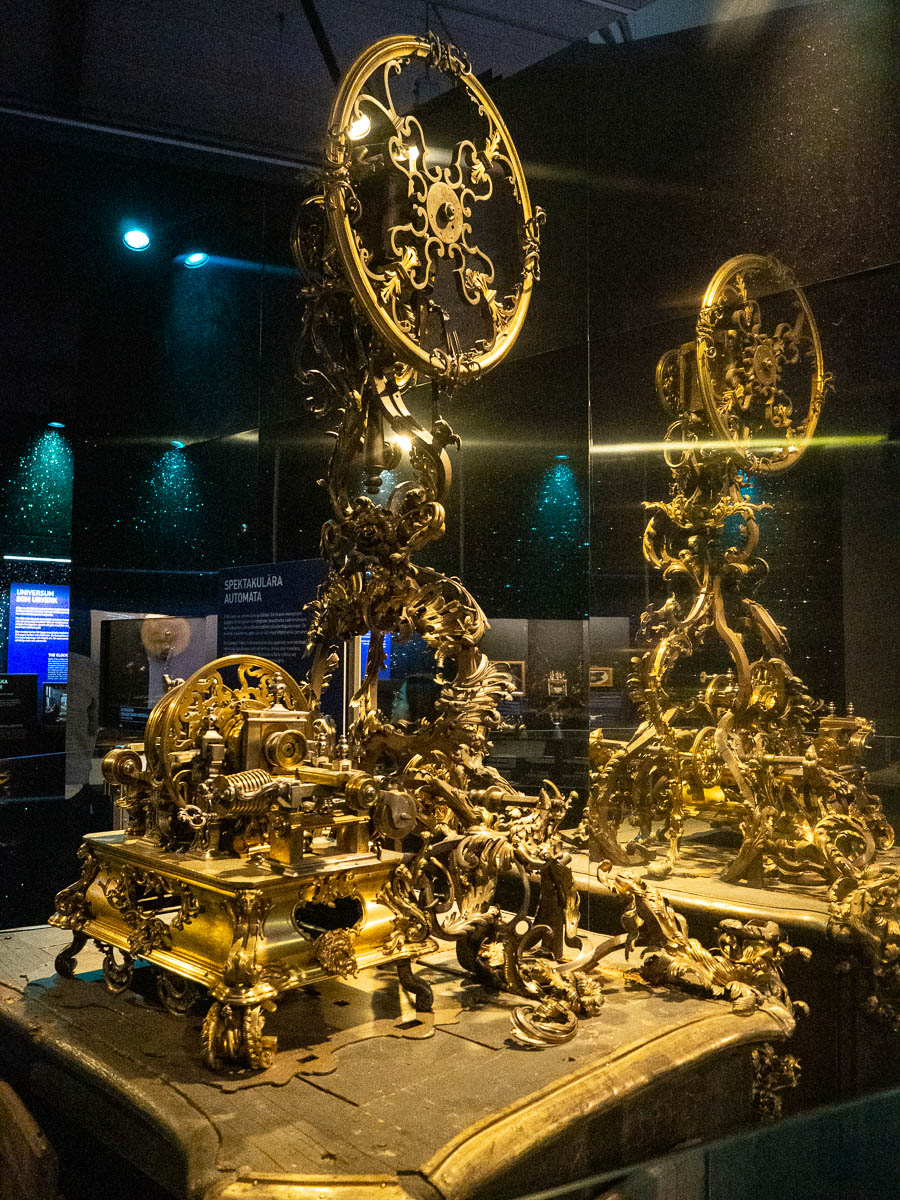
The theme was specifically humanoid and human-like robots – “making machines human”. The story starts back in the renaissance: on the one hand, new inventions such as mechanical clocks and ever more elaborate clockworks; on the other hand, a growing understanding of human bodies and anatomy. Those came together in impressive automata that then gradually inspired more and more human-like machines.

There were plenty of robots, robot parts and images of robots to be seen. Fictional robots, from Metropolis and R.U.R. through to the Terminator 800. The gradual evolution of robot anatomy, with wooden finger joints and rope ligaments and little motorized muscles. Locomotion, sensors, etc.

Many could have been even more interesting with more in-depth information. I can see that this is a robot arm with these and these parts, and the sign tells me it’s from 1970-whatever, made in some lab in some country. What was really new and cool about it? What could it do? What could it not do? How do more modern robots differ from it? What interesting results did it give rise to? What other experiments did it inspire?

Also unfortunately the robots that you could interact with were very basic. One seemed interesting because it could actually sense its environment and detect nearby people as well as their movement – but it was behind a pane of glass that seemed to interfere with most of its sensors.

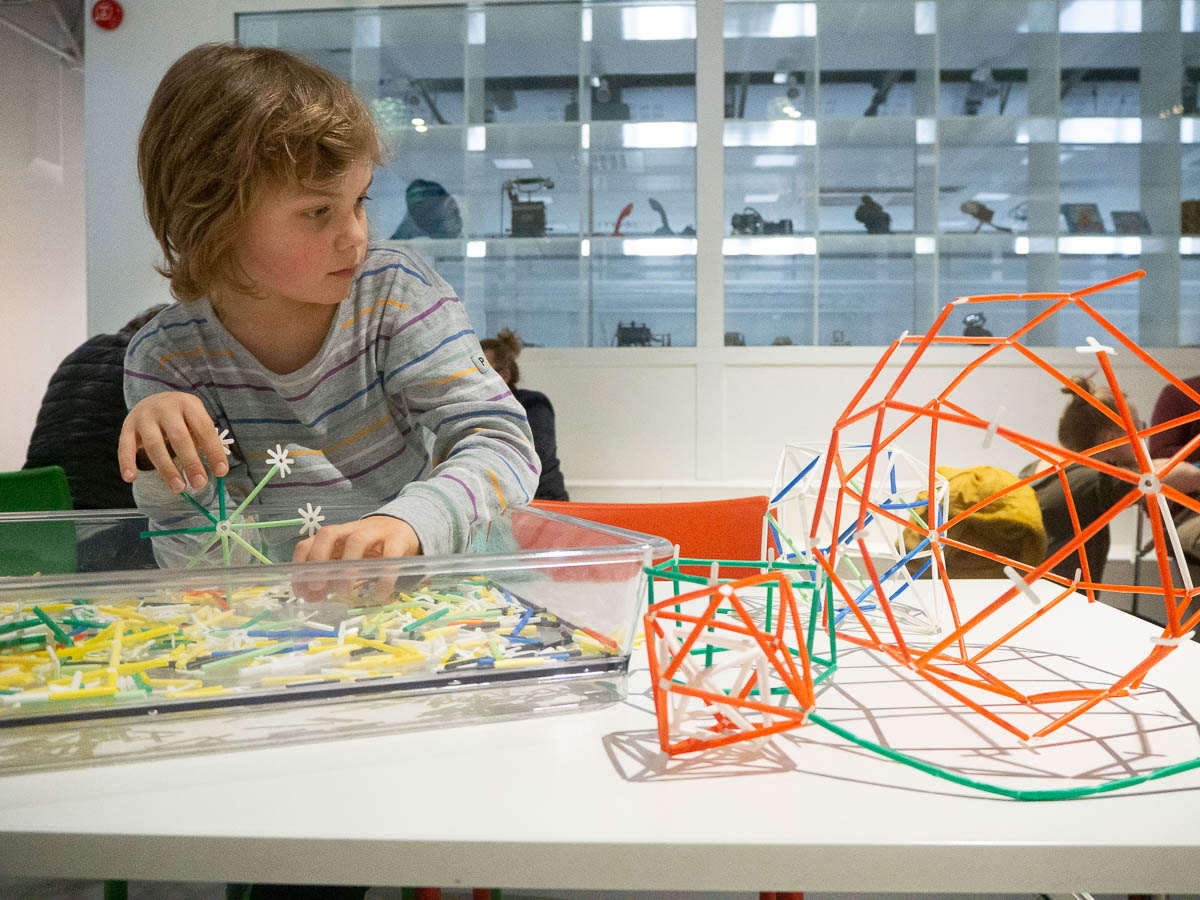
There were plenty of other activities at the museum and we stayed for hours. Construction toys; an indoor playground where the kids could let off some steam; various exhibitions. There was an entire exhibition about computer games through time, which had the same problem as the robots exhibition – not enough information.

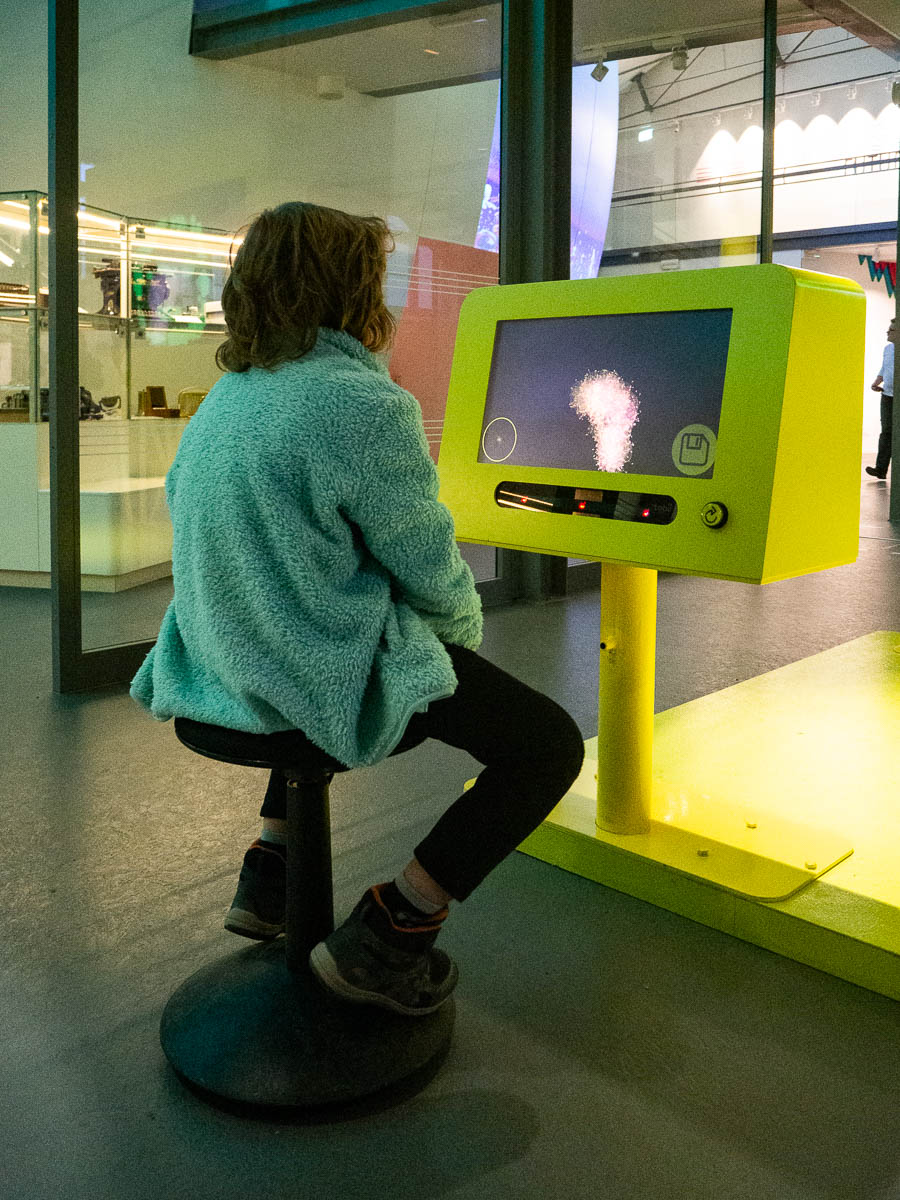
The exhibit that both Adrian and I enjoyed most was about eye tracking technology. Two monitors that you could draw on by looking where you wanted to put the “paint” – and a large monitor that superimposed the two individual pictures. As a nice touch, the virtual on-screen brushstrokes were very pretty, with interesting shapes and colour gradations, much nicer than the usual single-colour blobs. And drawing was pretty hard. You need to look ahead to where you want the line to go, but my eyes were often drawn back to where the line currently ended. With a lot of staring, I managed to draw some basic shapes. Using eye tracking for real must take a lot of practice.


I’ve been mulling over an app idea for some months now, but not found the time or energy for it.

I’ve also had this Raspberry Pi lying around for some months now, but not found a use for it.

Now I made a start on the app, and realized that the app idea and the Raspberry Pi are a match made in heaven.

The app will be a custom Sonos controller. We use Sonos a lot to play music at home, and while the Sonos ecosystem is great at playing music, its apps for controlling the music are so-so. One feature we really miss is some kind of music recommendation service.

We have hundreds and hundreds of albums ripped from CD to a file server. Back when we listened to the CDs directly, we could walk up to the CD shelf and stumble upon music we hadn’t heard in a while. Browsing the album list in Sonos is slow and clunky, and it only shows a very small number of albums at the same time, so those serendipitous finds never happen. We simply can’t remember all the great music we have. I’m hoping to write an app that brings back those lucky stumbles, so we can listen to more of what we have.

How do I write that app, though? The Sonos system is on our local network, so I want the app to also run locally, or otherwise figure out how to reach the Sonos from some server somewhere. Local app seems hard because (a) I’ve never written any native mobile apps, and (b) I use Android while the rest of the family use iOS devices, so I’d need to do something cross-platform, and (c) distributing iOS apps, even privately, looks like an expensive and frustrating bureaucratic process.

And then suddenly I realized that if I write a web app (which I know how to do) and run it on a web server on our local network (hello Pi!), all those problems go away! Tada!


Eric’s computer is occupied by Eric, so Adrian can’t program in Scratch. He found Scratch Jr on the iPad instead. It didn’t have the flexibility to make a game, but he could make objects loop around the screen – one horizontally, one vertically – and go “bing” when they hit each other. And each time they hit each other, they also grew larger, so finally they were constantly hitting each other and constantly going “bing” which Adrian found hilarious.


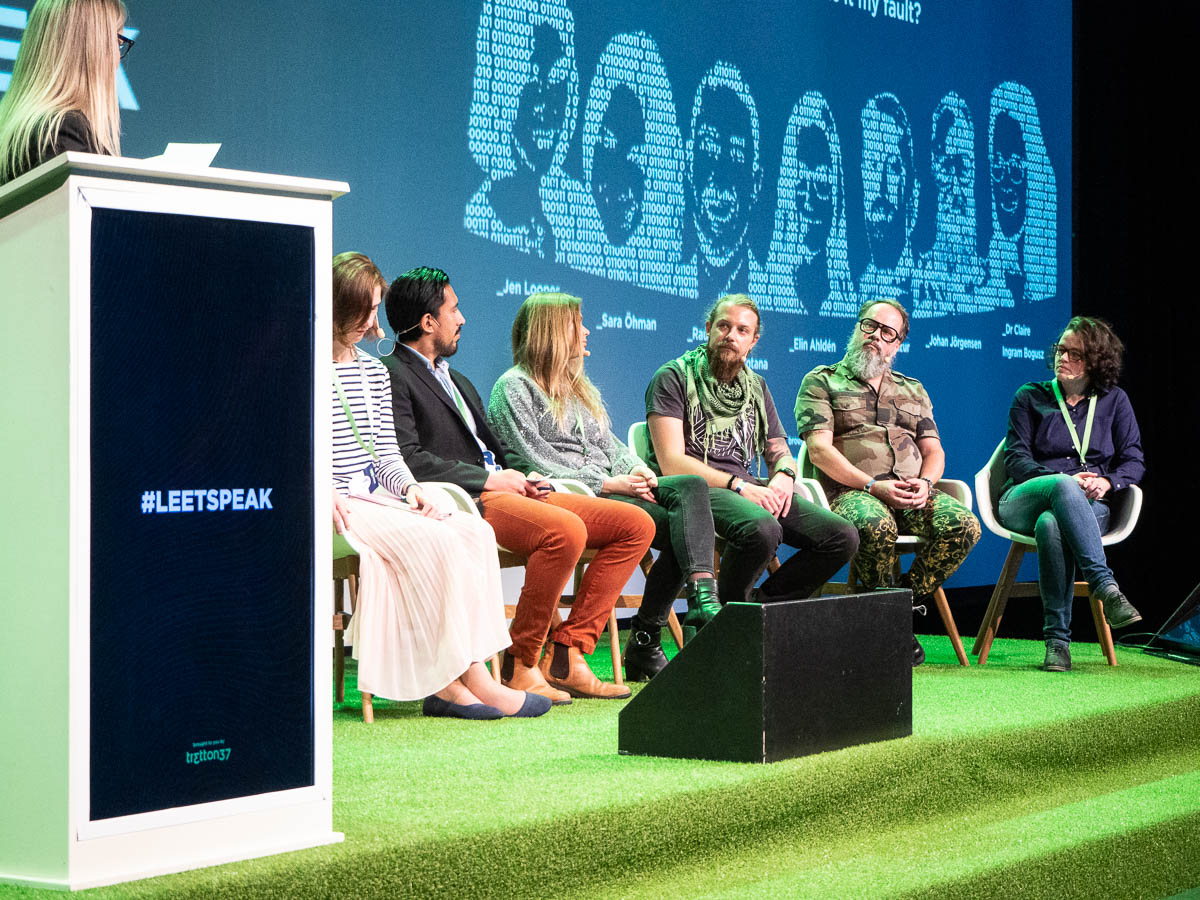
Attended leetspeak, the tretton37 developers’ conference.

The morning sessions were less technical and focused on the ethics of software development. “Code that goes wrong – is it my fault?” Interesting discussions. What is our responsibility? When should we say no? A few thoughts and comments that I especially remember:

  • Do project managers and product owners expect us developers to always deliver faster and faster because they cannot understand the complexity of what we do? Or is it because we keep feeding their expectations, and delivering faster than what is sustainable?
  • It is perfectly possible and even easy to become a developer without ever having considered the ethics of this profession. There is no certification required. Anyone with a two-month JavaScript boot camp under their belt can start calling themselves as a developer. Even if you have a CompSci degree, ethics courses are usually optional.
  • Every developer should give some thought to two things. One, where does your line go? What are the things that you would say no to? (Weapons software? Gambling? Lying to your users?) Two, what is your path of escalation? If you see something you need to say no to, and your manager will not listen, who do you talk to?
  • One of the panel members worked with online marketing. When the question about everyone’s “lines” came up, she jokingly said that if that’s the case then she would have to quit her job entirely. “Then you should,” was my immediate thought, “and the world would not miss what you have been doing.”

The highlight of the afternoon was Eric Wastl’s behind-the-scenes talk about Advent of Code. Passionate and inspiring, interesting and entertaining.


Sorting through all those boxes of books we brought up yesterday.

Quite a lot of them we will shelve because we expect to read or browse them some time in the future.

Many more books we will give away, because realistically – given how many books there are in the world – we do not think we will read them again. They may be good, I may have enjoyed and valued them at one point, but if I wanted to read something, I wouldn’t choose to read any of these again.

A very few books we will put back in a box in the basement, such as one phone catalogue, just to show that these things used to exist.

And some books are actually so outdated and useless that there is no point trying to give them away. Old programming books, for example. Those will go straight into recycling.

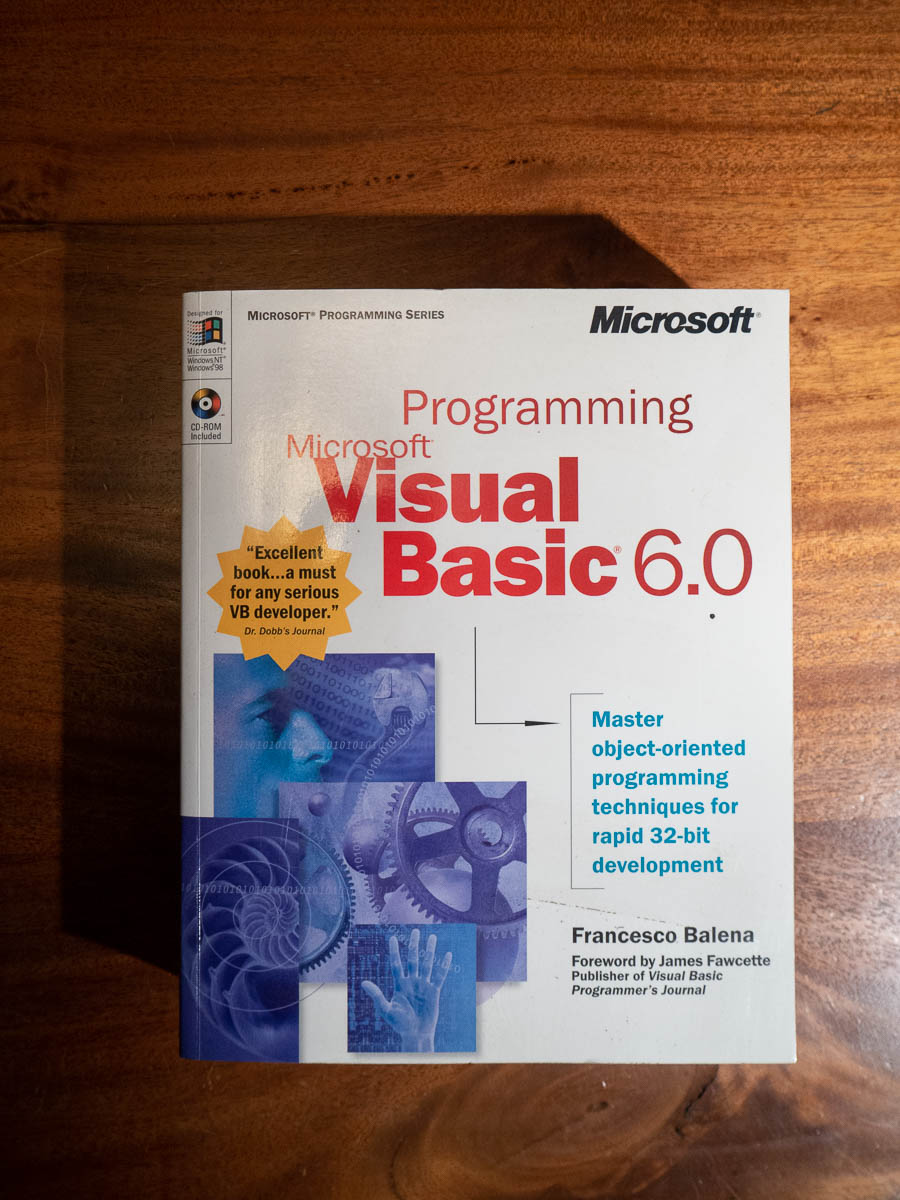
The book in the photo, about Visual Basic 6.0, was one of my first programming books. It was a big purchase at the time, and I remember working through it. I came to programming from the scripting world, from Excel macros and VBA scripts. I remember struggling with the concept of “objects” in object-oriented programming and trying to understand what the meaning and the point of them was. I remember a friend (an online friend) describing a “stopwatch” object for me, and a lightbulb moment when I got his point.

I considered keeping this book, out of pure nostalgia. But what would I ever do with it? Who would open it, who would want to look inside?

When I was a child, I spent hours reading old science magazines, and old books about explorers and natural wonders and so on. Today’s children don’t do that, and never will. There is so much else to entertain them and keep them busy. And myself as well.


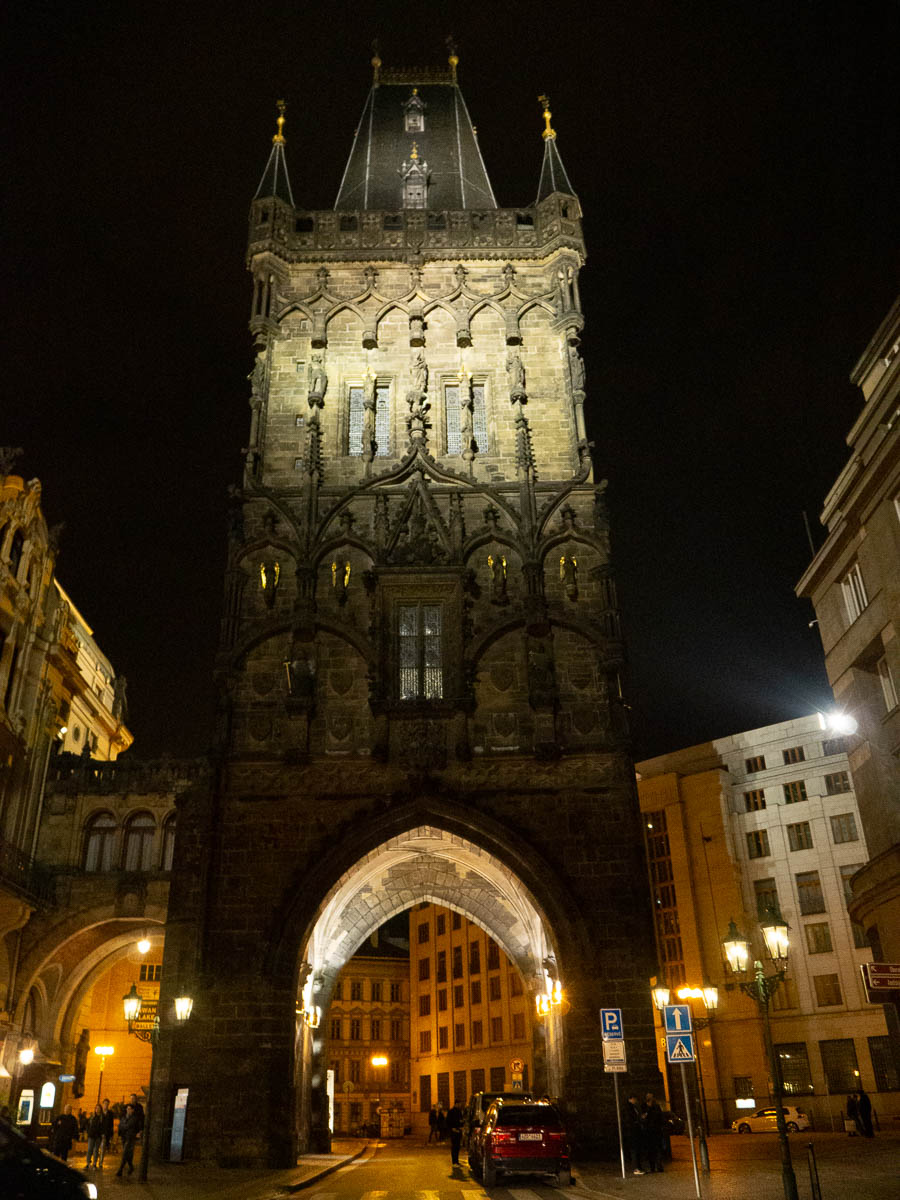
This was a very busy day with talks and presentations and workshops and so on, and I barely remembered I owned a camera, which is a pity. This is the only photo I have from today – from my walk back to the hotel after dinner.

My own presentation was very well received and – if you’ll excuse me for boasting – I’ve already been asked if I can do it again for other audiences.

For the technically minded among you, the title of my session was “Fumbling towards multi-tenancy” and I talked about how we took the application that I’m currently working with from “what’s a tenant” to multi-tenancy. I spoke about the choice between multi-instance and multi-tenant apps, and then multi-database vs shared database for the data layer. And some technical details about implementing our chosen path (multi-tenant with a shared database) using .NET Core and Entity Framework: query filters, defensive saving and row-level security.


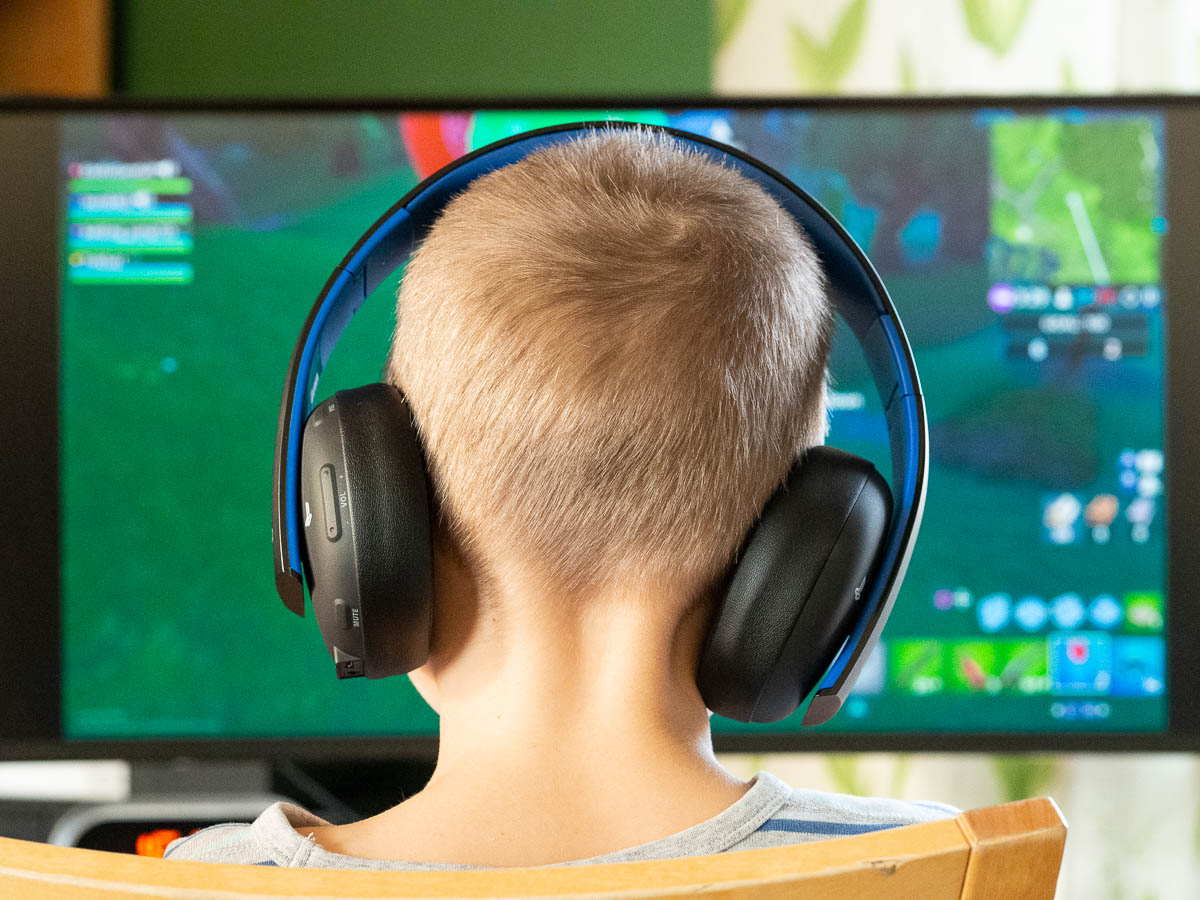
Adrian is turning into as much of a gamer as Ingrid. Fortnite is his favourite. He’s just spent 150 kr of his savings to buy a funny skin for his character. Go figure.

Several of his classmates also play, and now they agree on a time when they all come online to play together. That often leads to a lot of shouting. They all just have to say their thing at the same time, and one raises his voice to get through the noise, and then the next boy raises his a bit more, and soon they’re all yelling. I remember Ingrid and her friends doing the same at her age, shouting so loudly that it was seriously uncomfortable for me, even though she was upstairs and I was downstairs and we had a closed door between us.


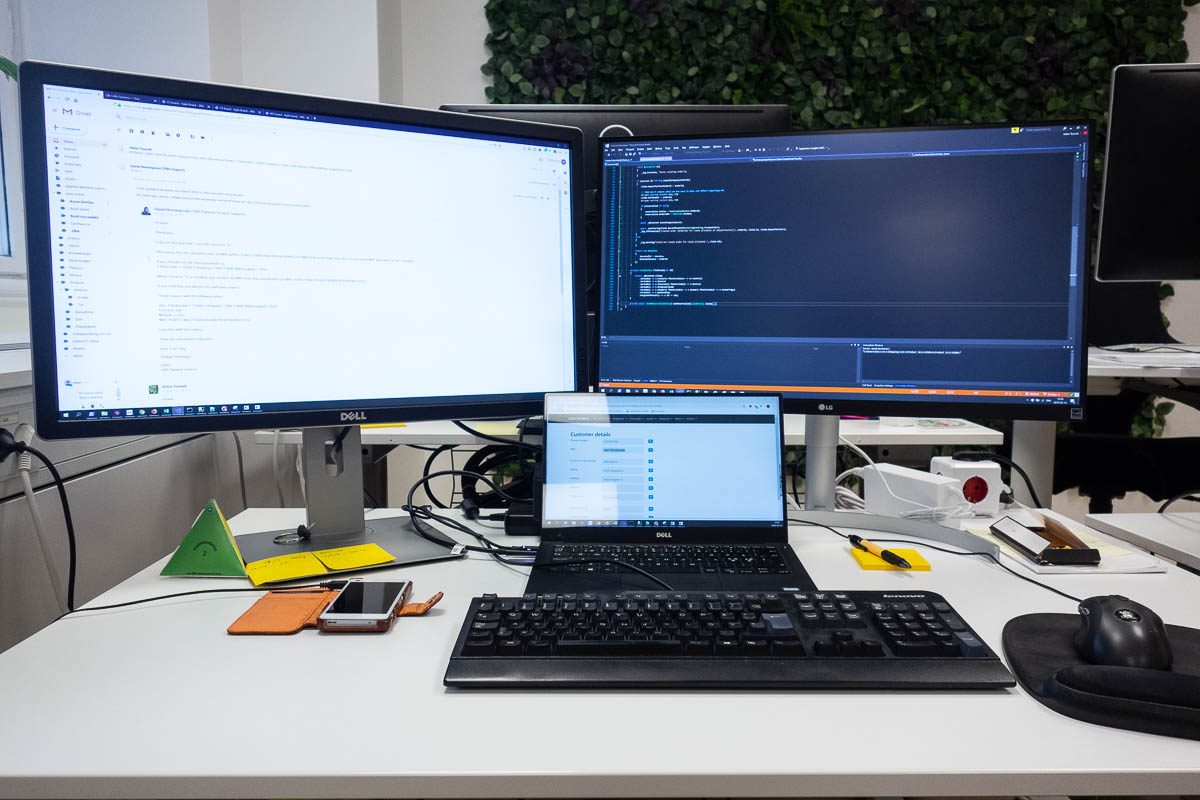
Happy day! Finally, finally, after more than a year, I got a second monitor at work. The company is very sensible and progressive about most things but for some reason the standard setup only includes a single monitor. I think it may be because most of the developers who sit in the office are between projects, and those who have a project are mostly at the customers’ offices, using whatever equipment is there. In fact this is so non-standard that the desks barely fit two monitors.

Other important things on my desk:

A pad of sticky notes.
A Pilot gel pen. (Ballpoint pens are abominable.)
A “Red – Green – Refactor” TDD pyramid.
A mouse pad with wrist support. I’ve had it for so long that I can’t even remember when I got it. It, and the mouse on it, have been following me from office to office since 2008 at least.
A Valrhona chocolate bar.