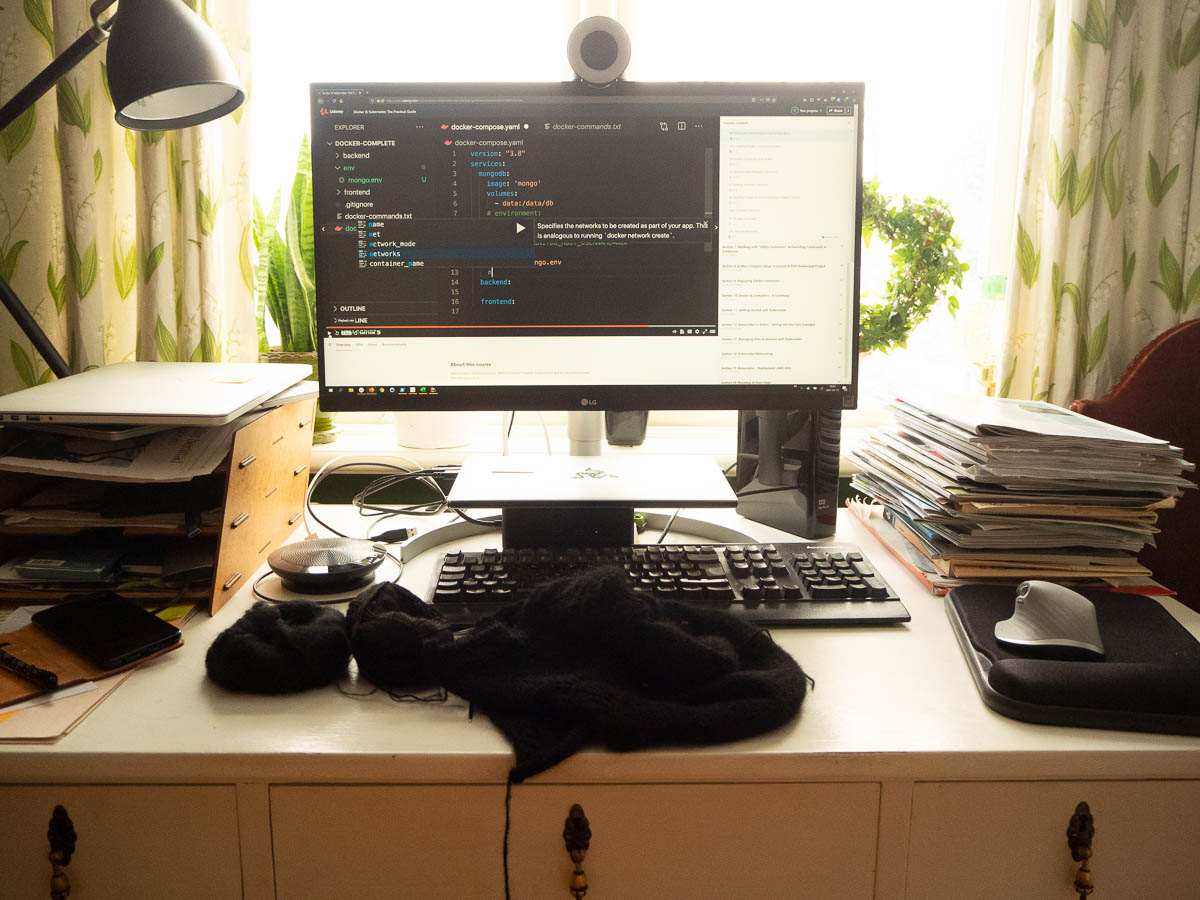
It’s my last day on my current project and I am in fact spending most of my time preparing for the next one. The new project utilizes technologies that I’ve never worked with (Docker and Kubernetes) so I’m getting familiar with them at least in theory.

I find video tutorials difficult. I get bored and lose focus. (I also never watch Youtube videos for fun, or TV series – I only do that as a mostly social activity together with Eric or the entire family.)

The biggest problem with video lectures and all other videos is that they happen at someone else’s pace. When I read, I decide how fast I go. I read fast most of the time, and slow down to re-read bits that are important or interesting.

Luckily this platform had controls for playback speed so I could do the same here. I started out at 1.25x speed, quickly moved on to 1.5 and then settled at 1.75. The speedy delivery, combined with knitting to keep my hands busy, got me through the day quite productively.


I wrote back in February about my Raspberry Pi and the plans to use it for a music rating and recommendation app.

Well, I actually wrote the app, and it has been running “in production” since before the summer. I’m really pleased with it – I achieved exactly what I had hoped. It often helps me rediscover music that I had forgotten we had, and listen to old favourites that I would probably have not remembered otherwise. And because it logs all the music we listen to, including music that Eric puts on, I also discover entirely new music.

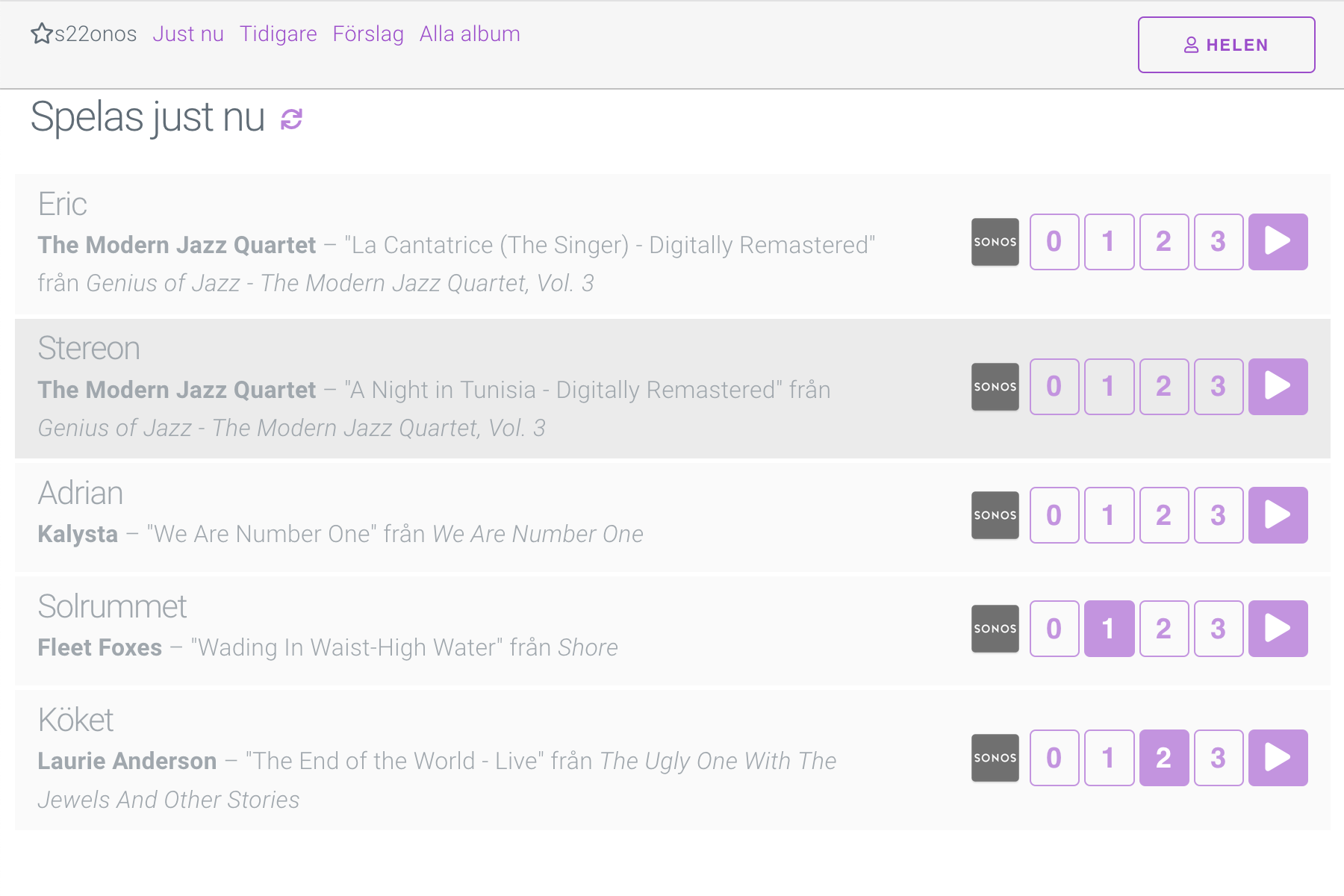
The app shows me what is currently playing on our various Sonos devices so that I can rate these albums. I can also rate recently played ones. And based on those ratings I can ask for recommendations. I get a list of suggestions with albums I have rated highly, and another list of albums I have not rated yet (to gather more data).

I’ve been thinking of adding more smarts to it. It could suggest albums that we haven’t listened to recently (forgotten favourites, rather than all favourites). And maybe show some “flashbacks” like the blog has – “your most listened album last year” etc. Maybe a project for the Christmas break.

From a technical point of view, I learned more Vue.js than I knew before, and played around with flex layout in CSS. My CSS is mostly hacks piled on other hacks, but in a tiny project like this that’s fine!


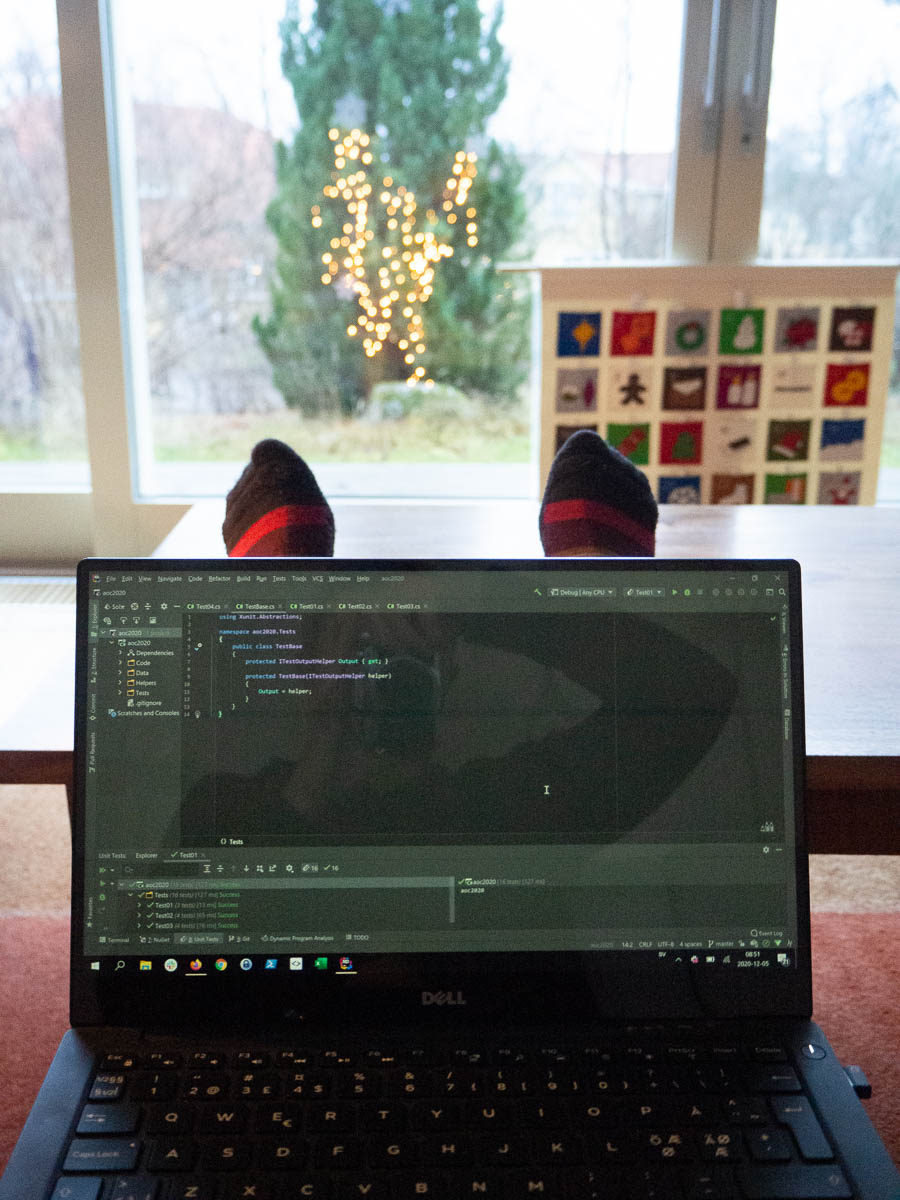
It’s December and Advent of Code is on again. I begin my days by sitting in the sofa, feet up, solving the day’s puzzles. One advent calendar in the computer, another in the background…

In the past I’ve used AoC to experiment with new languages like Python and F#. Now I have enough to do at work so I keep it simple and stick to C# which is the language I am most productive in.

There’s a competition element to it, but I ignore that. Not getting up at six in the morning; not rushing through the puzzles. I’m just happy to take part.

Photos I took earlier today, when I had daylight, are nowhere to be found. The SD card is empty, the “Unprocessed” folder on the computer is empty, and I know I haven’t worked on them. Mysterious and worrying.

I’ll retake the photos tomorrow. No big deal. There was only a handful of them.

But this incident serves as a reminder for me to appreciate the habit of emptying the SD card every few days, and the importance of a robust backup system. I don’t want to be one of those people whose phone dies or computer crashes or Google locks them out of their account, and they lose all their digital memories.

I have three copies of my original RAW files: on a hard drive that sits on my desk, in the cloud, and on a separate hard drive stored elsewhere. That separate hard drive used to live in the tretton37 office, but now that I never go there, it’s moved to Eric’s workplace. It comes home once a month or so, gets that month’s photos, and then goes back to the office. If the house were to burn down together with the primary hard drive, and the external backup service somehow were to not deliver, then I’d still have this hard drive.

In addition I have JPG exports of every photo on yet another separate hard drive. I have them to make it easy to browse photos together with the kids, but they do provide a kind of backup as well. And the blog is a fifth backup in a way. It doesn’t have all my photos but if all the other sources were lost somehow, the blog would still have thousands of my photos.

I have the same three backups of the database for this blog – local, off-site, cloud. I have no idea how easy it would be to restore the blog starting from zero, so I hope I never need to use these backups, but it is good to have them.

My photos and my blog are important to me, and I would be devastated to lose them all.

The fifteenth anniversary of this blog came and went without me noticing it.

What I did notice, though, was this post from 15 years ago, about why I blog. All of my reasons from back then still hold true. I could have written it today, if I wrote such long posts these days.

If I were to write it today, I would add a fourth reason. I write because I enjoy writing. I enjoy finding the right words and phrases to express my thoughts and feelings as well as possible.

I enjoy writing text the same way that I enjoy writing code. Done well, the two are very similar. Programming as a field is often lumped together with maths and technical subjects, but coding in high-level languages has as much to do with writing skills as with engineering. You want to express certain ideas or concepts as clearly, correctly, and elegantly as possible. You want to be concise but not too concise; consistent but not repetitive.


Adrian needs to practise his times tables. He knows them, mostly, but not fast enough, and sometimes he still gets some of them wrong.

So we do some maths every day around dinnertime. At first we did it orally – I came up with problems one by one and he told me the answer. The talking slowed both of us down, though, so recently we switched to written practice. I fill a sheet of paper with problems and he then does them as fast as he can.


Initially I made up problems more or less randomly but with extra focus on the ones I knew he knew less well. But now he wants to see if he gets faster, so I need to make the exercises more consistent. I make sure to cover the entire table from 2×2 to 9×9 evenly. But I also want each day’s sheet to have a different order so he doesn’t just learn them by heart by order – “18, 24, 25, …”

My algorithm for making up his worksheet has evolved. The first iteration was a simple one. I drew up a 10×10 square on a piece of scrap paper, randomly picked an unused square (such as 4×5) and put a dot in it when I wrote down “4×5” on Adrian’s sheet.

This was time-consuming and fiddly. My second algorithm was to take the previous day’s sheet and shuffle it. Take three problems from the top of the first column, then three from the bottom, then from the top of the second column, etc. I was hoping this would be faster because I can just follow along, but it was easy to lose my place and forget which row I had just copied and where I should continue.

My third algorithm was the opposite of the first one. Instead of filling the sheet top to bottom with exercises in random order, I went through the table top to bottom (2×2, 2×3, …) and wrote each combination in a random place on Adrian’s sheet.

At this point I noticed that I must have made mistakes in my first algorithm. When I was done with a sheet using the third algorithm, I noticed that the finished sheet had fewer problems than the previous sheets. I double-checked, and apparently I had previously inadvertently included some duplicates. To keep the worksheets consistent in length, I now have to repeat my previous mistakes intentionally and add some random duplicates.

This task is of course just crying out for automation. But then the results would need to get from computer to paper somehow and I don’t have access to a printer. Perhaps at some point I’ll get sufficiently fed up to automate it anyway and cycle to the office and print out a few dozen variations.
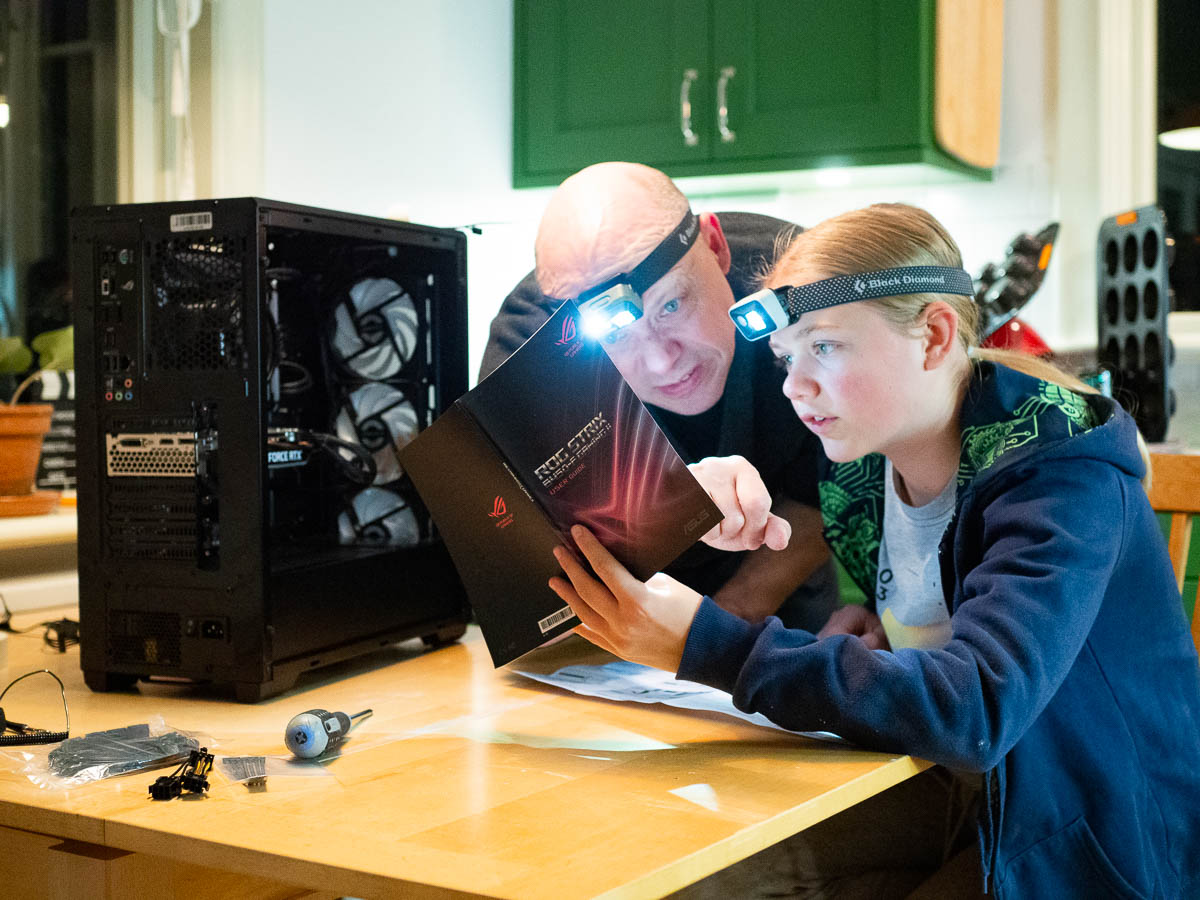
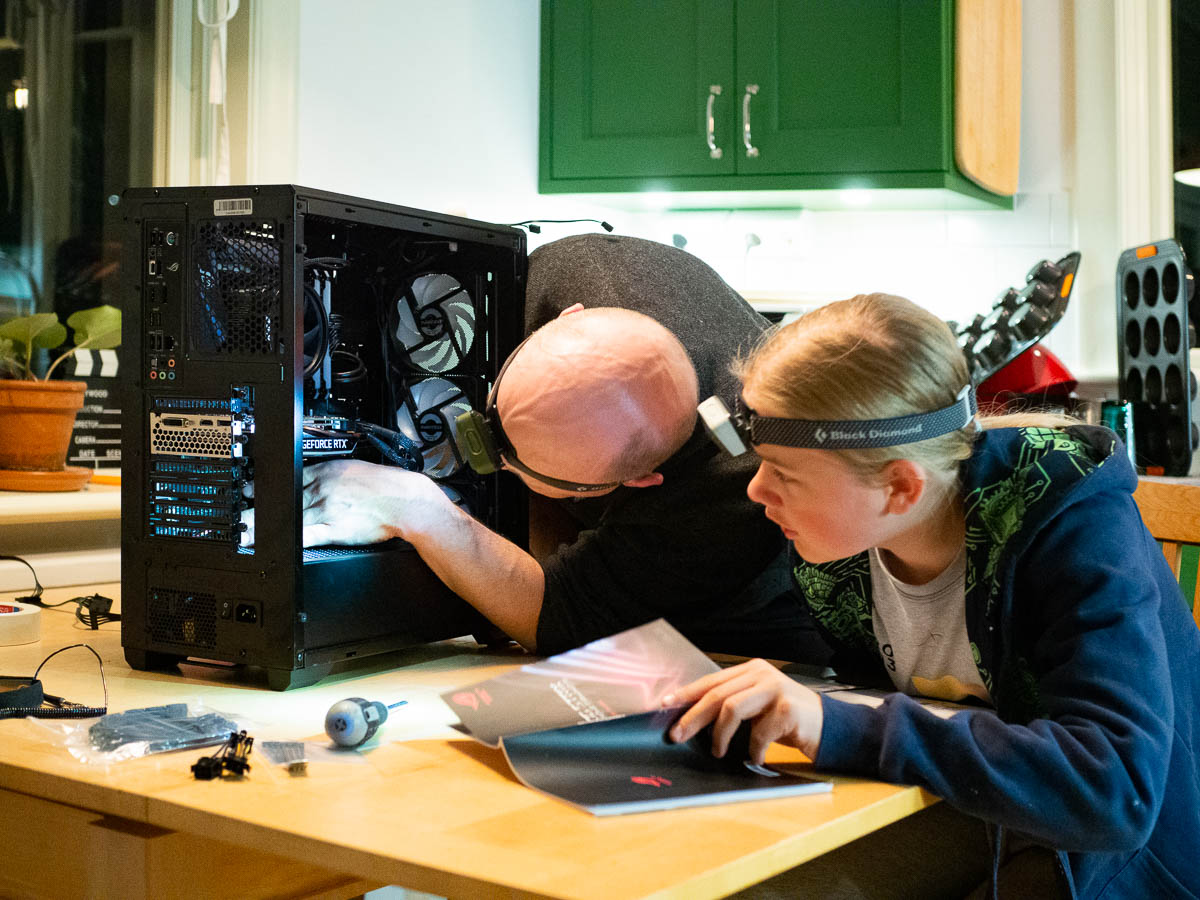
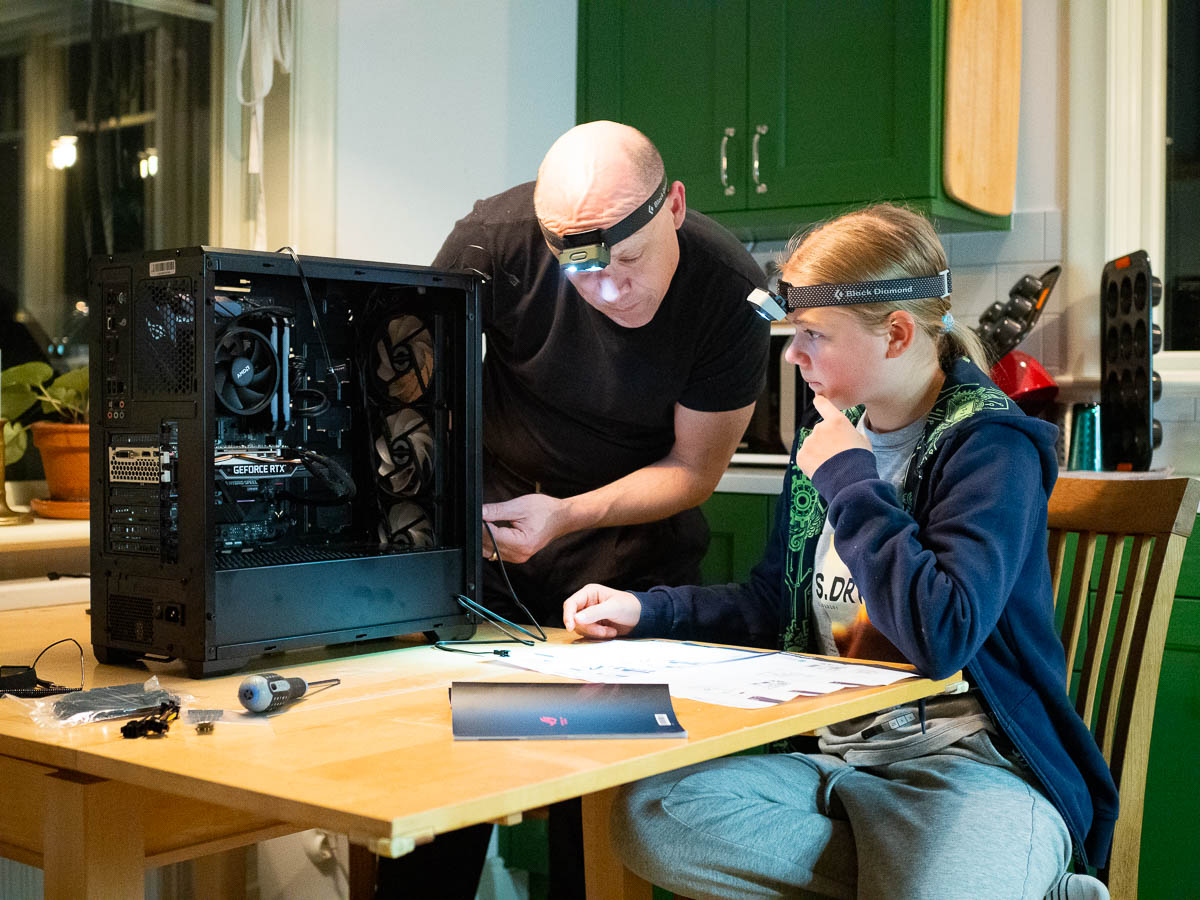
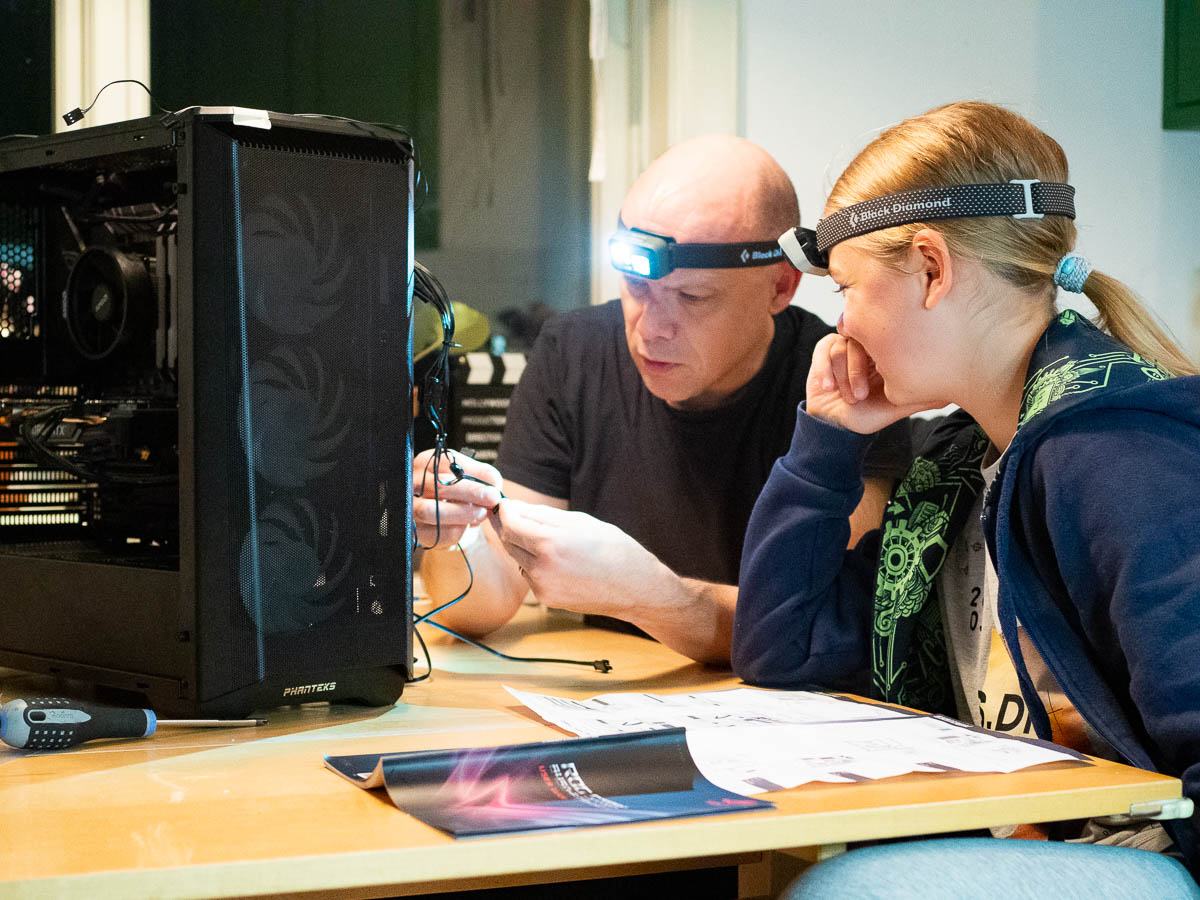
The one thing Ingrid wished for her birthday and Christmas was a proper gaming computer. She has a laptop but it’s starting to show its age, and it’s just not enough for the games she plays these days.

She’s spent weeks on research, comparing different graphics cards and processors and other components. Now finally she’s made her choice and put in the order. The delivery arrived a few days ago. Ingrid made a brave attempt at putting it together on her own, but then had to ask for more expert help. Eric and Ingrid spent all of yesterday evening figuring it all out. After a good while they realized that some of cables that were already attached when the case arrived, had been attached incorrectly. That didn’t exactly help.

Finally around midnight I heard them exclaiming happily that all the fans were spinning and all the lights were lighting up and synchronized with each other. Yay!


My mouse gave up the ghost. I can’t remember when I bought it but it was years and years ago. Logitech is reliable.

I think what finally killed the mouse was near-constant bending of the cord where it pushes against my stack of magazines. It started disconnecting and then immediately reconnecting at random intervals, which made the computer go ding-dang-dong and then dong-dang-ding each time. That was a bit of a bother but not too bad, until the behaviour changed to disconnecting but then not reconnecting on its own.

With some experimentation I figured out that wiggling the cord would make the mouse come to life again so I got another few days of use out of it, while I researched mouse models.

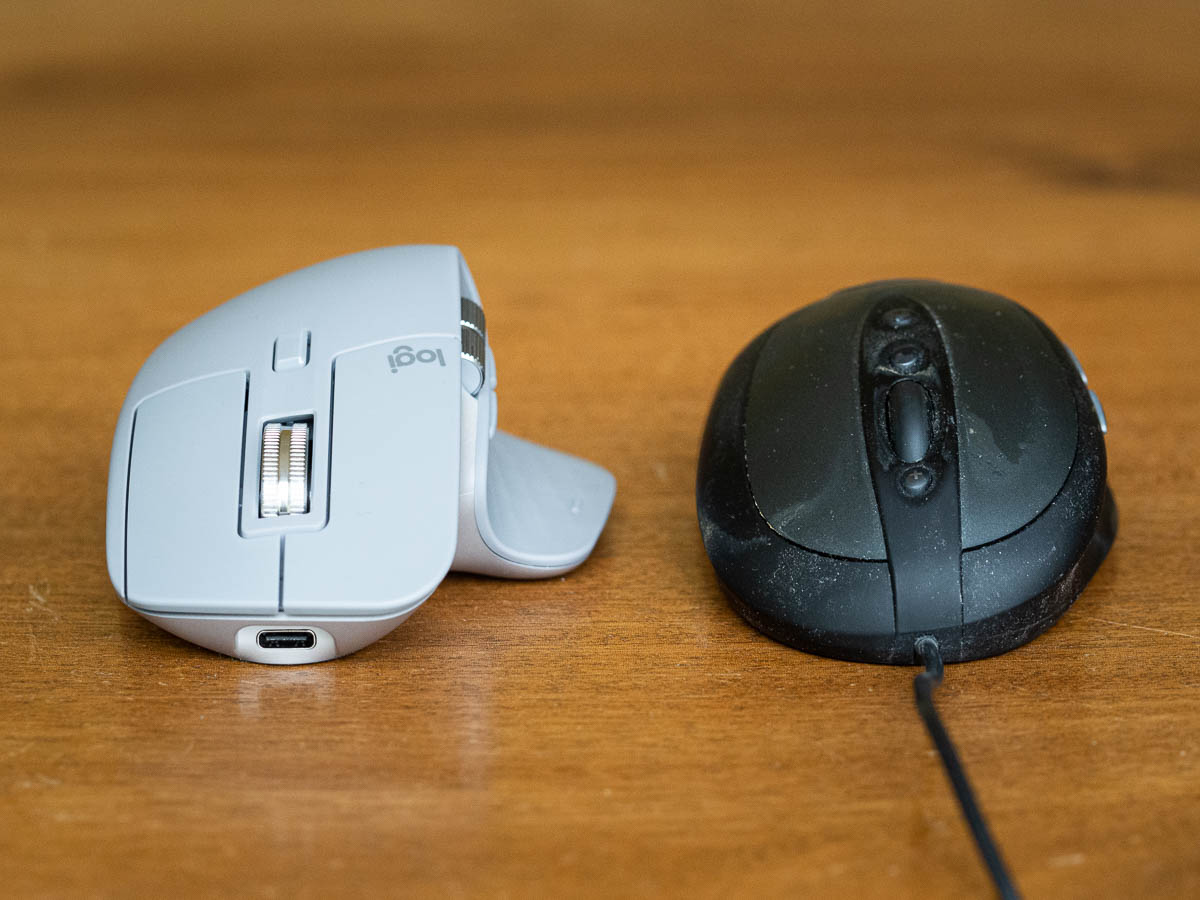
Web shops list all kinds of specifications and measurements for mice – dpi and weight and battery life and sensor technology and what not. What they mostly don’t say much about is the shape of the mouse. I specifically wanted a mouse with an ergonomic shape that slopes down towards the little finger, like the old one. The web sites do not make it easy to find such mice. The shape of the mouse is usually not part of the description. There are photos, of course, but if those aren’t from the right angle, they don’t help much either.

The old-school way – asking people – worked much better. I asked at work what ergonomic mice people liked, got two or three models recommended, and just picked one of them. (Another Logitech model.)

The new mouse is wireless. I like the reliability of wired mice, but on my small desk a wireless one will be more convenient. That cable won’t be hitting my magazine stack any more.

I wonder how many years this one will last. There’s a chance that I won’t find out: I’m letting work pay for it, so it’s possible that I will switch jobs before the mouse dies (although I have no plans in that direction).

The first programming language that I learned was GW-BASIC, some time in the late 1980s. We had a laptop-ish Tandy computer at some point, but I’m not sure if it was the first one or if there was another one before it.

Computers used 5 1/4 inch floppy disks.

GW-BASIC had line numbers and GOTO statements, and came with a thick reference book that contained everything there was to know about the language. Line numbers were normally used in increments of 10, so that you could easily insert a missed line between existing lines of code – say, insert line 25 between lines 20 and 30 – without retyping everything that follows. The RENUM command renumbered all the lines back to tidy increments of 10.

I remember making the computer draw circles and lines on the screen.


Esimene programmeerimiskeel, mida ma õppisin, oli GW-BASIC, kunagi 1980-ndate lõpus. Meil oli sülearvuti-laadne Tandy, aga ma ei mäleta, kas see oli esimene või oli enne seda ka mõni muu arvuti.

Arvutid kasutasid 5 1/4 tolliseid flopisid ehk diskette.

GW-BASICus olid reanumbrid ja GOTO kommando. Sellega tuli kaasa paks manuaal, kus oli kogu keel ära kirjeldatud. Reanumbrid suurenesid tavaliselt kümnekaupa. Nii sai kergesti kahe olemasoleva rea vahele uue lisada – näiteks lisada ridade 20 ja 30 vahele uus rida 25 – ilma et peaks kõiki järgnevaid ridu uuesti sisse toksima. RENUM kommando nummerdas kõik read jälle 10-stele sammudele.

Mäletan, kuidas panin arvuti ekraanile ringe ja jooni joonistama.


Ingrid is at a “Hack camp” all this week, learning game programming with Unity. She started out with Scratch, then moved on to experimenting with Python (which I think they started with at school) and now to learning Unity. (The camp is organized by Nox Academy and Ingrid has been really satisfied with her week. She’s had fun, learned a lot, and made several new friends.)

This has inspired Adrian to pick up Scratch as well. He’s dabbled before but not with any kind of persistence. It’s more fun with a friend to keep him company and help him come up with ideas. Levels! And bosses! And different backgrounds!

Any kind of overt encouragement from me has shown itself to be pointless, even counter-productive. All I can do is set an example and show that programming is enjoyable – and be there to answer questions and help them get unstuck when needed.

One thing that both Ingrid and Adrian are learning is that much of programming is about really understanding what you want to do, and breaking a project down into smaller tasks.

Adrian wanted “levels” in his game, and asked me how he can do that. It seemed hard, and he didn’t even know how to get started. But then we started untangling that concept. What does it mean for your game to have “levels”? When does the player advance to the next level? What happens then? And suddenly it wasn’t so impossibly hard any more.